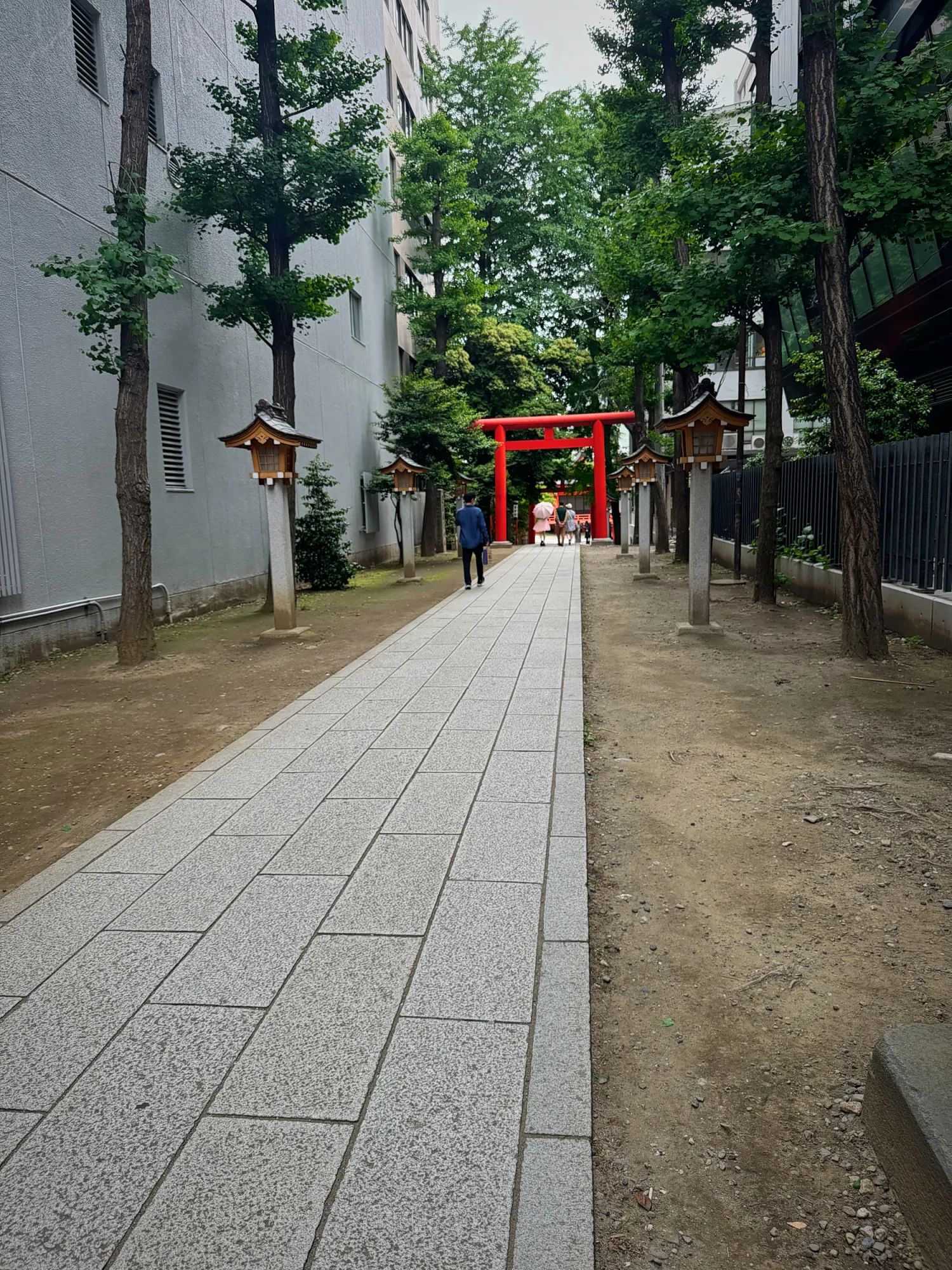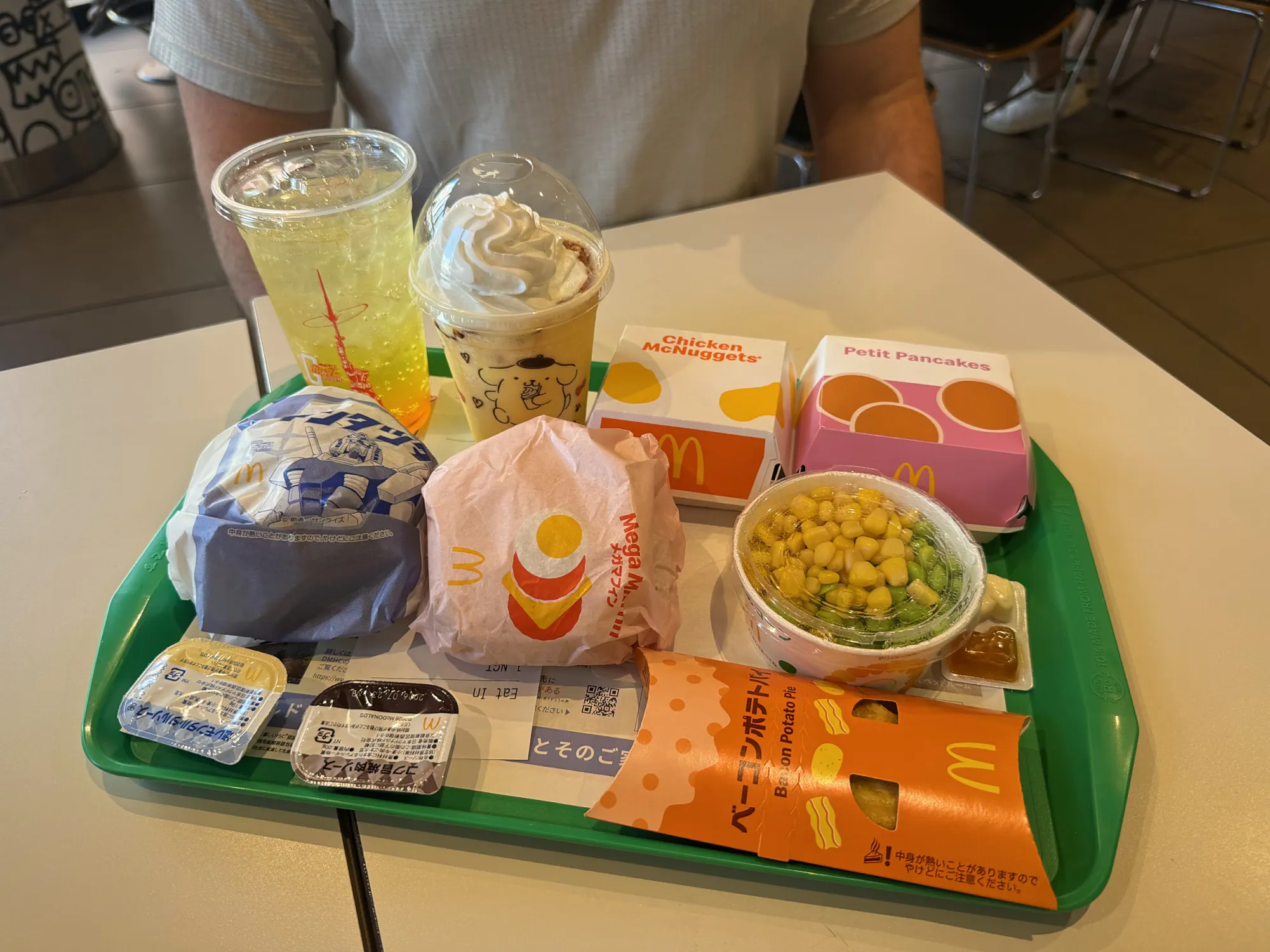

The best apps for Tokyo are mostly already on your phone. Cream and I lived in Shinjuku for a month and got by on a handful: Apple Maps, Apple Wallet, Uber, Google Translate, Google Maps, and Airbnb. Add a couple of Japan-only ones, and that's it.
Heads up: some links in this guide are affiliate links. If you book or buy through them, we may earn a commission at no extra cost to you.
In this guide 5 sections
We're in the Apple ecosystem, and Tokyo is where that pays off. Apple Maps worked beautifully. Our transit card lived in Apple Wallet. Google Translate's camera did the rest. That isn't true everywhere. In South Korea, Apple Maps is a lot less useful.
These apps got a real workout: every train ride, every restaurant booking, and every 7-Eleven label I couldn't read. Here are the 11 we used, what each one is for, and a few extras we never needed but you might.
What Are the Best Apps for Tokyo? My Quick Answer
The best apps for Tokyo are Apple Maps or Google Maps for the trains, a Suica card in Apple Wallet to pay for them, Google Translate for anything in Japanese, and an eSIM like Airalo so all of it works the minute you land. Fill in Visit Japan Web before your flight, use Tabelog or Google Maps to book restaurants, and keep Uber for the odd taxi. If you only set up three things before you fly, make them your eSIM, Suica, and Visit Japan Web.
| App | What it's for | When to set it up |
|---|---|---|
| Airalo | Data from the moment you land | Before you fly |
| Visit Japan Web | The arrival QR code for immigration and customs | Before you fly |
| Apple Maps | Every train ride: line, platform, fare, and exit | Already on your iPhone |
| Google Maps | Reviews, photos, opening hours, and bookings | Before you fly |
| Apple Wallet (Suica) | Paying for trains and some restaurant kiosks | Before you fly |
| Google Translate | The camera, on labels, menus, and signs | Before you fly |
| Tabelog | Restaurant reservations | Before your first big dinner |
| Uber | Booking a taxi | You probably have it |
| ChatGPT | Checking we were on the right train | You probably have it |
| Messaging | Before you fly | |
| Airbnb | Our month-long apartment | If you're renting |

 Bernie & Cream@bernieandcream
Follow along on Instagram
Bernie & Cream@bernieandcream
Follow along on Threads
Bernie & Cream@bernieandcream
Watch us on TikTok
Bernie & Cream@bernieandcream
Follow along on X
Bernie & Cream@BernieAndCream
Bernie & Cream@bernieandcream
Follow along on Instagram
Bernie & Cream@bernieandcream
Follow along on Threads
Bernie & Cream@bernieandcream
Watch us on TikTok
Bernie & Cream@bernieandcream
Follow along on X
Bernie & Cream@BernieAndCream


The 11 Apps We Used in Tokyo
1. Airalo // Data Before You Leave the Plane
Every app on this list needs data, and in Japan you need it straight away. Each time we've flown into Japan, the first thing we did was use our phones to work out the train from the airport, and that's not something you want to do on airport Wi-Fi with your bags in tow.
This trip, we bought a local SoftBank eSIM at Narita, at $105.07 for both phones. It worked fine, but it didn't save us much, and you need data before you ever reach the counter. Airalo is what we use almost everywhere else, and next time I'd set it up for Japan before the flight.
💡 Get online before you land: Install your Japan eSIM at home and switch it on when the wheels touch down, so your maps, Suica, and Uber all work from the arrivals hall. New to Airalo? Get 15% off your first Airalo eSIM.
2. Visit Japan Web // The Arrival QR Code
Visit Japan Web is the Japanese government's free online service for arrival. You enter your immigration and customs details before you fly, and it gives you a QR code to show when you land, instead of filling in paper forms in the queue.1 It also handles tax-free shopping registration.
It's a website rather than an app, but it's the one thing on this list you have to do before the plane leaves. Save the QR code where you can open it fast, and screenshot it as a backup. The rest of the pre-flight list, from cash to trash bins, is in our things to know before visiting Tokyo.
3. Apple Maps // The Best App for Tokyo Trains
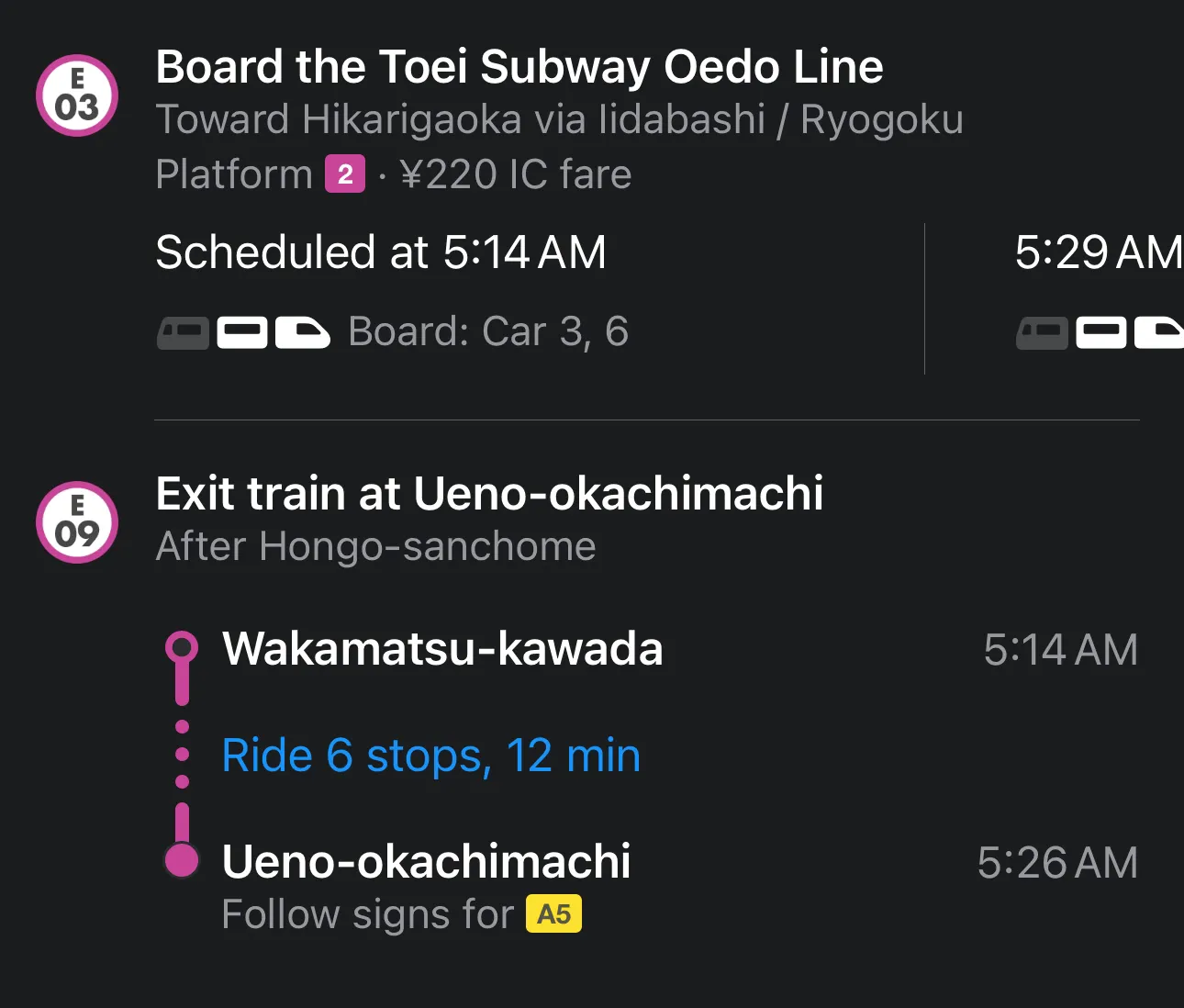
Apple Maps was the app I opened most in Tokyo. Put in where you're going, choose public transit, and it tells you the line to take, the platform number, the exact IC card fare, and the exit to use when you arrive.
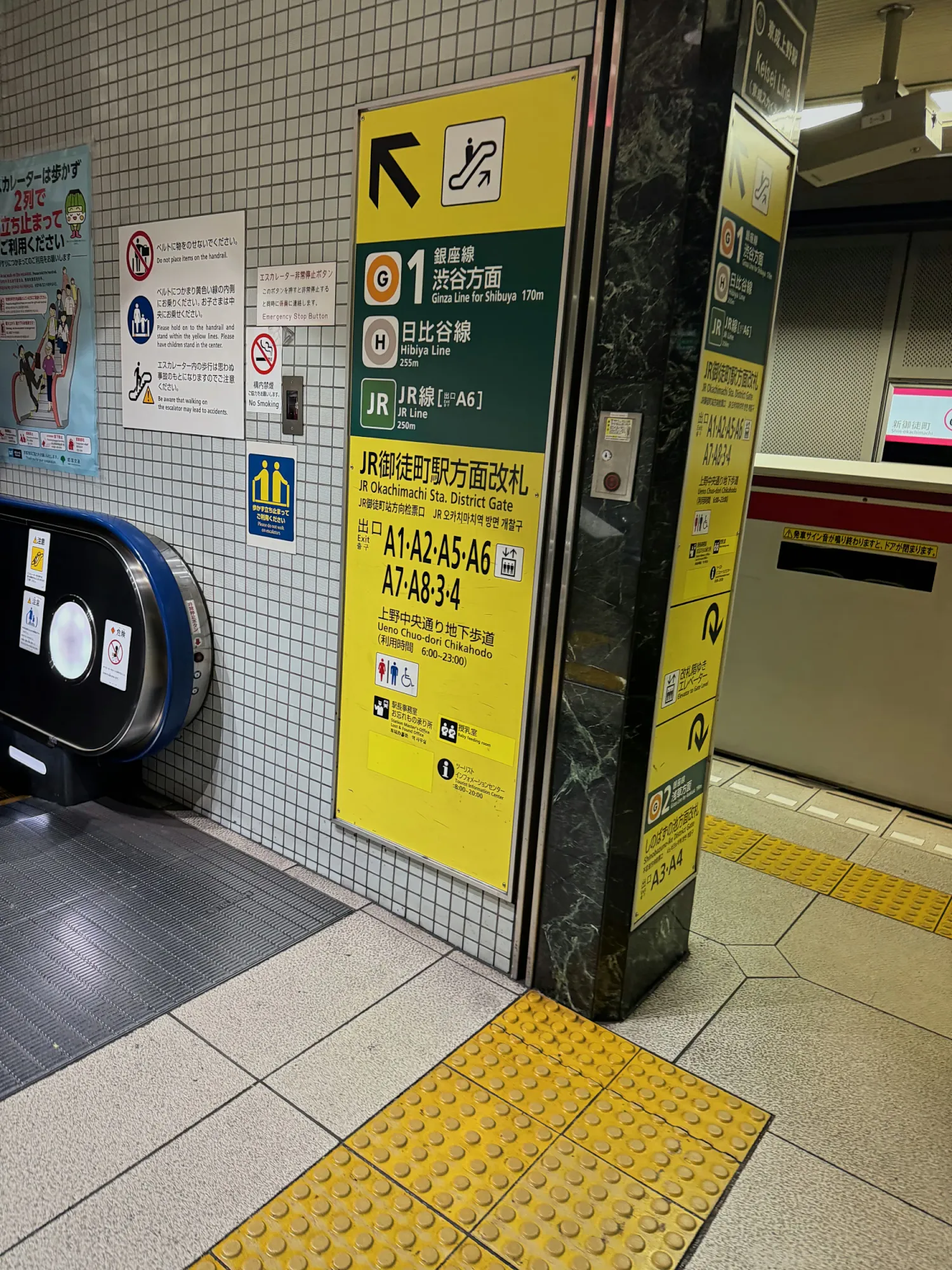
The fare is the part I loved. Knowing the cost before you reach the gate tells you whether your Suica card needs a top-up. From our home station, the ride to Ueno-okachimachi was a 220 yen IC fare, and the app told us to board on platform 2 and follow the signs for exit A5.
The platform number and the exit are both in small print, and they're easy to skip. On our first Japan trip I missed them, and that's how you end up on the wrong side of a station.
4. Google Maps // Reviews, Opening Hours, and Bookings
If Apple Maps got us there, Google Maps told us whether it was worth going. We used it for restaurant reviews, photos, and opening hours, and it does train directions too if you prefer it to Apple Maps.
It also books tables. Many Tokyo restaurants have a reservation option right on their Google Maps listing, through partners like TableCheck,3 so you can pick a time without leaving the app. Save a few places before you fly and you'll have a ready-made food list. Our must-eat foods in Tokyo is a good place to start yours.
5. Apple Wallet (Suica) // Your Train Pass and More
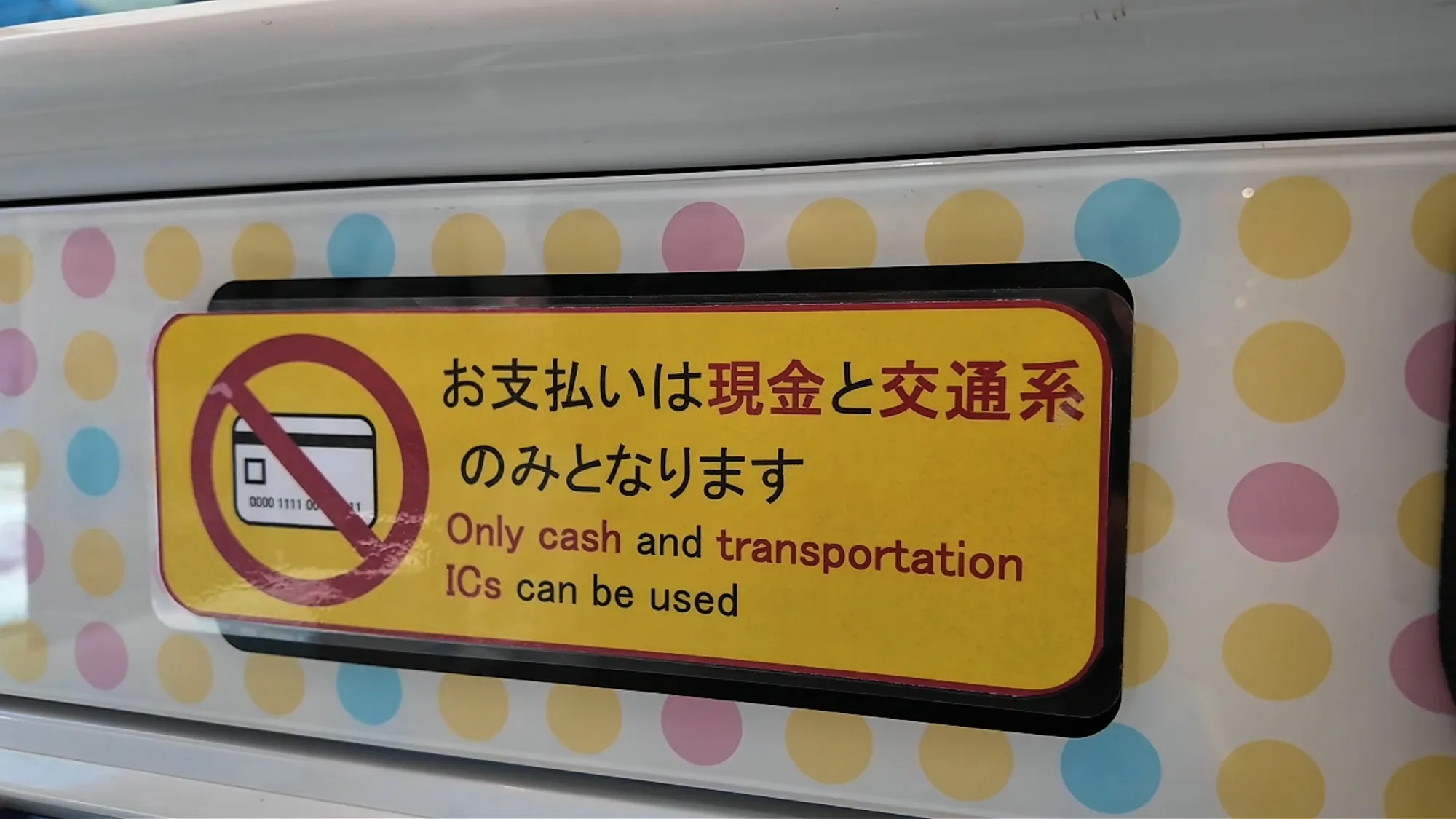
Suica is Tokyo's rechargeable transit card, and you can keep it in Apple Wallet on your iPhone. You tap your phone at the gate, and you top it up in the Wallet app in a few seconds.2 We used it for every train ride, and some restaurant kiosks take it too, like the one at Tendon Tenya, which matters at the few places that won't take a credit card.
The catch is topping it up with a foreign card. Not every card goes through, and only one of ours did. Test yours before you leave. We had one card fail, and how we paid in Japan, cash or card shows what worked instead. If none of them work, JR East's Welcome Suica Mobile app is made for overseas visitors.8

6. Google Translate // Point the Camera at Everything
There's more English in Tokyo than you'd expect, with kiosks that switch languages and trains that announce stops in English. You'll still want Google Translate, because the gaps show up in everyday places.
I used the camera all the time: on 7-Eleven items, even though most have some English on them, in the pharmacy, on a few menus, and on signs. Point your phone at the text and the translation appears over it, so there's nothing to type. Download Japanese for offline use before you fly, too.
7. Tabelog // Restaurant Reservations
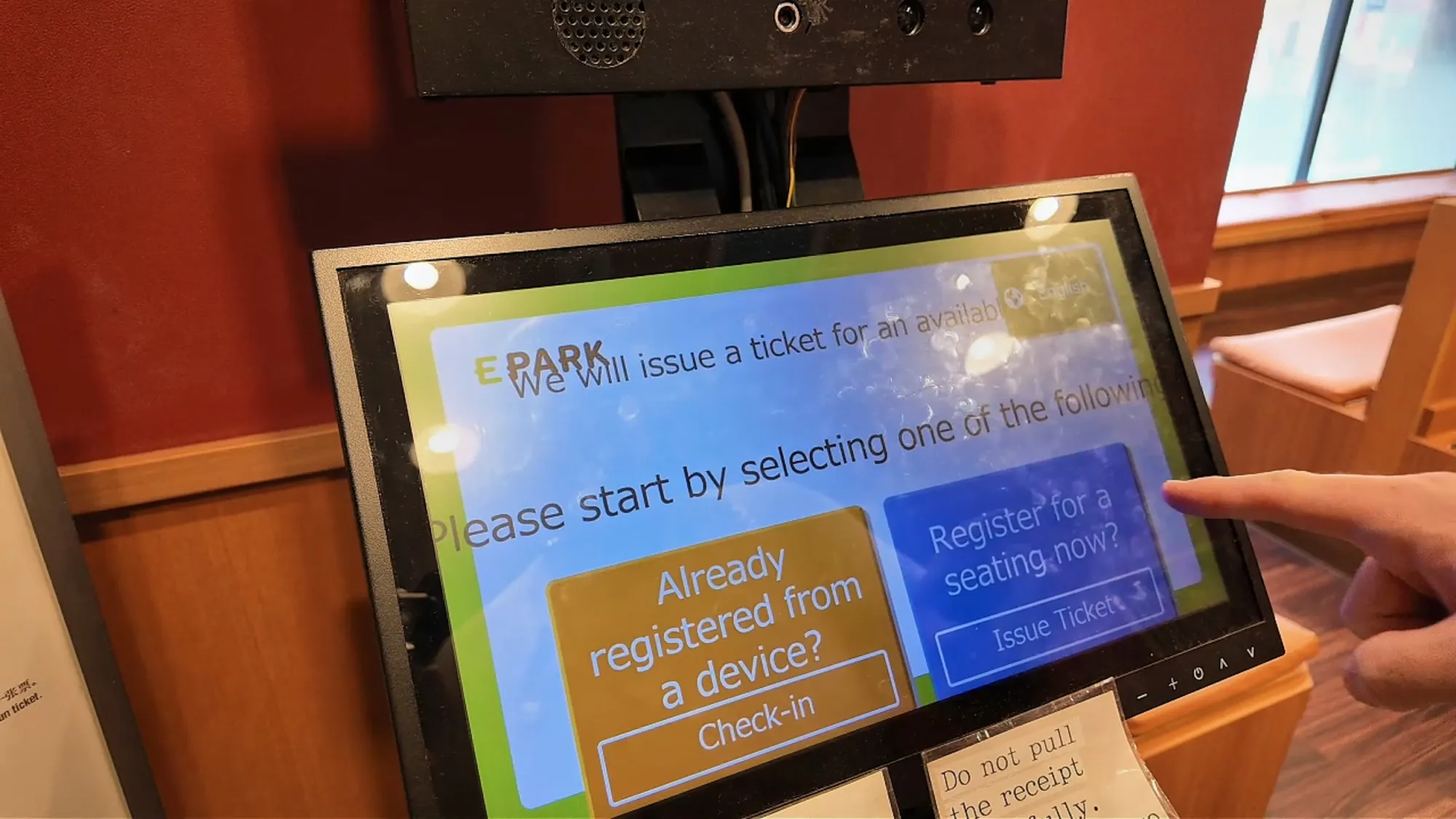
Tabelog is Japan's biggest restaurant review site, and we used it for reservations. In Tokyo, a lot of eating starts on your phone: you book or register ahead, check in at a kiosk when you arrive, sit at a numbered table, and often pay at a kiosk too. Until you've done it, it's hard to picture how smooth it is.
Tabelog has an English site where you can search and book thousands of restaurants online.4 Between Tabelog and Google Maps, we never had to call a restaurant. Once you're inside, the kiosks and tablets are easier than they look, and how to order food in Japan walks through each one.
8. Uber // For the Odd Taxi
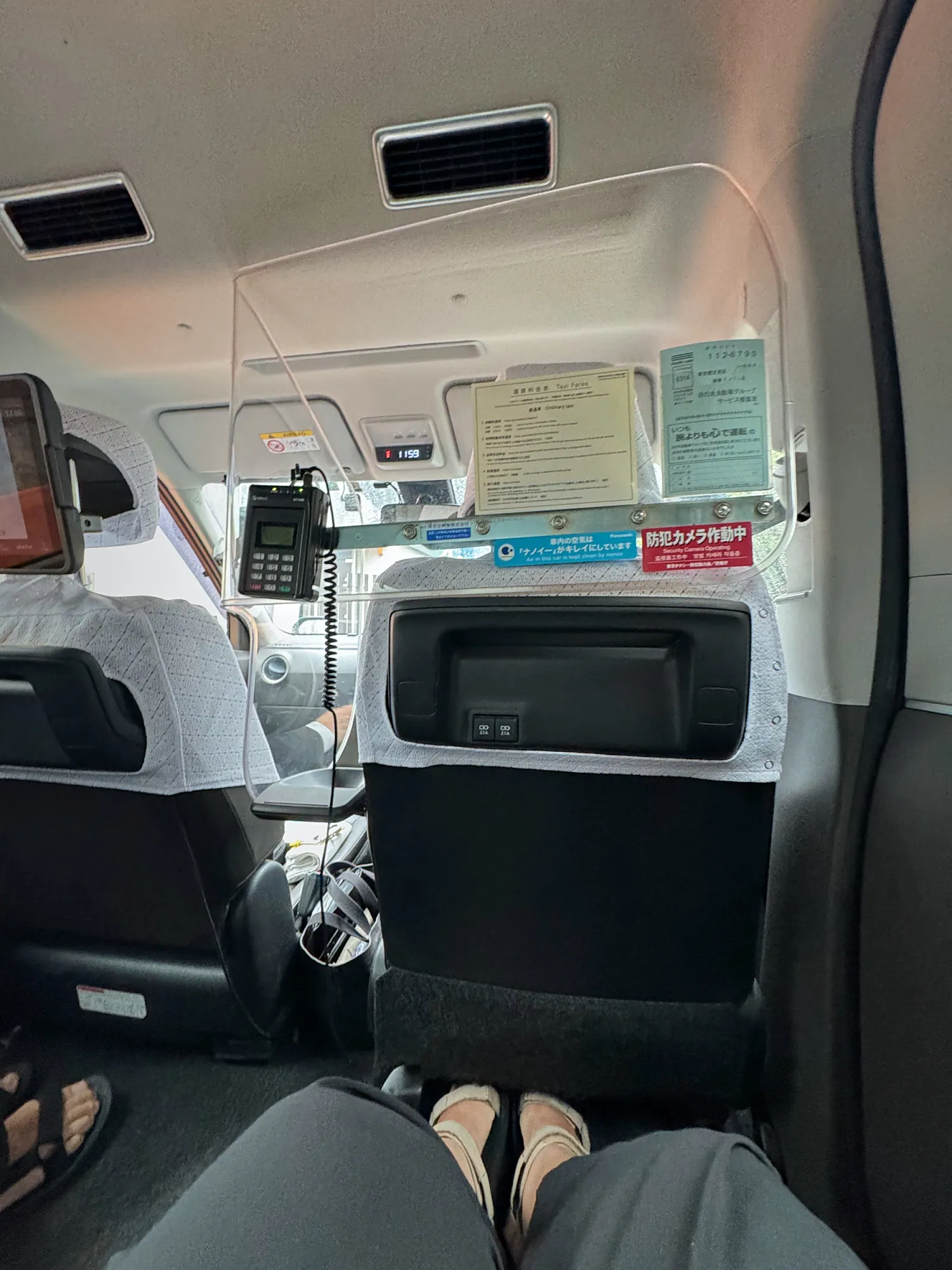
We walked and took the train almost everywhere, so we only needed a taxi once, and I booked it on Uber. In Japan, Uber sends a regular licensed taxi, and the fare goes through the app, so there's nothing to sort out in the car. I'd do it that way again.
Tokyo taxis are roomy, the doors open on their own, and taxi scams aren't something I'd worry about here. For everything else, trains are faster and cheaper, and how to get around Tokyo shows when to ride, walk, or grab a cab.
9. ChatGPT // A Second Opinion on the Platform
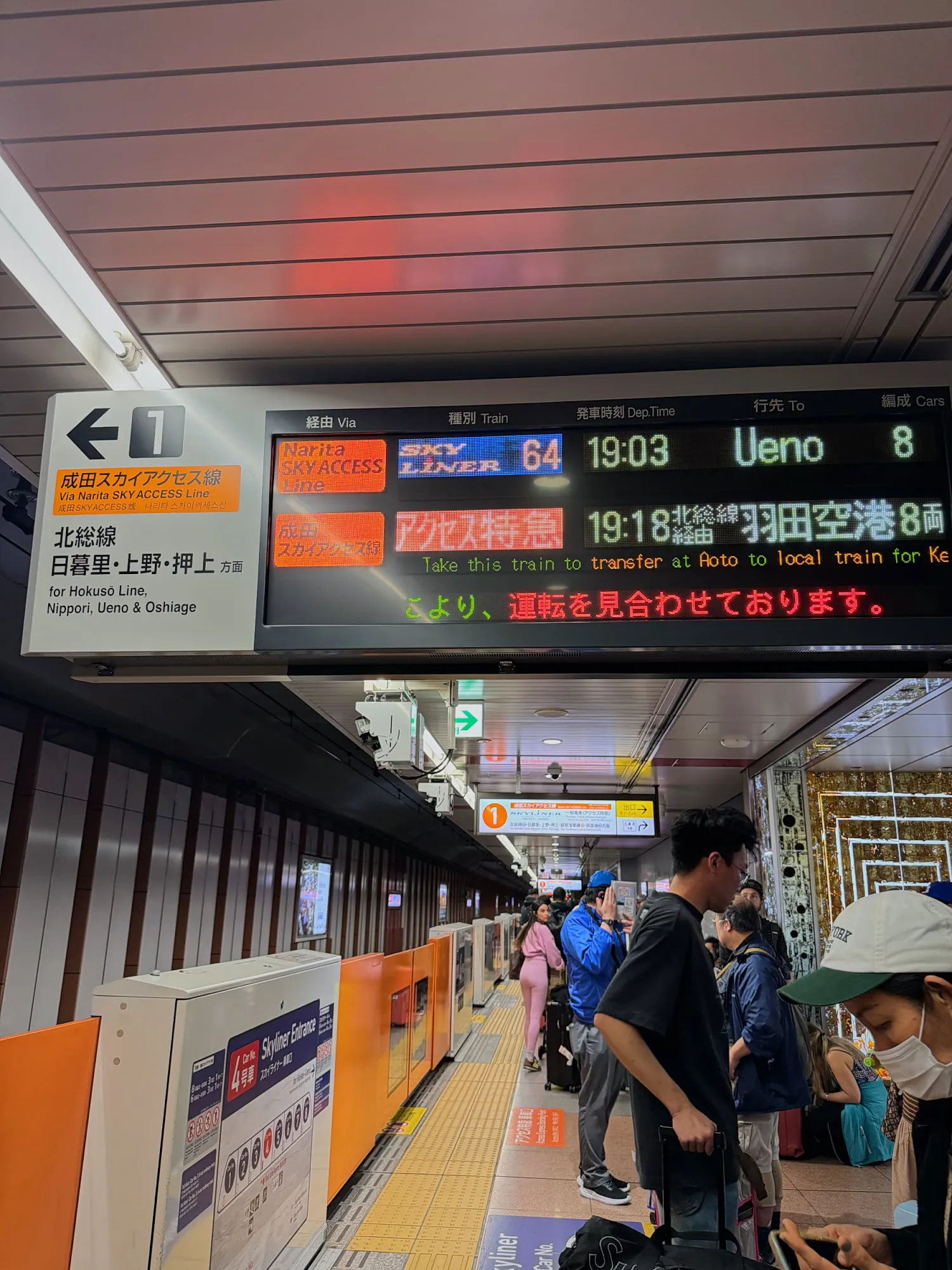
This one surprised me. When I wasn't sure I was heading the right way, I sent ChatGPT a photo of where I was and asked. On our last day, it walked me through Keisei Ueno station when we realized the slow train would make us miss our flight. We bought Skyliner tickets and made it, with a few minutes to spare. If you're flying into Narita, here's how to get from Narita to Shinjuku without that stress. It only works with data, which is one more reason to sort your eSIM first.
10. WhatsApp // Messaging
We used WhatsApp in Tokyo, the same as at home. One thing to know: most people in Japan message on LINE instead,10 so it's worth adding if you're staying a while.
11. Airbnb // Our Apartment for the Month
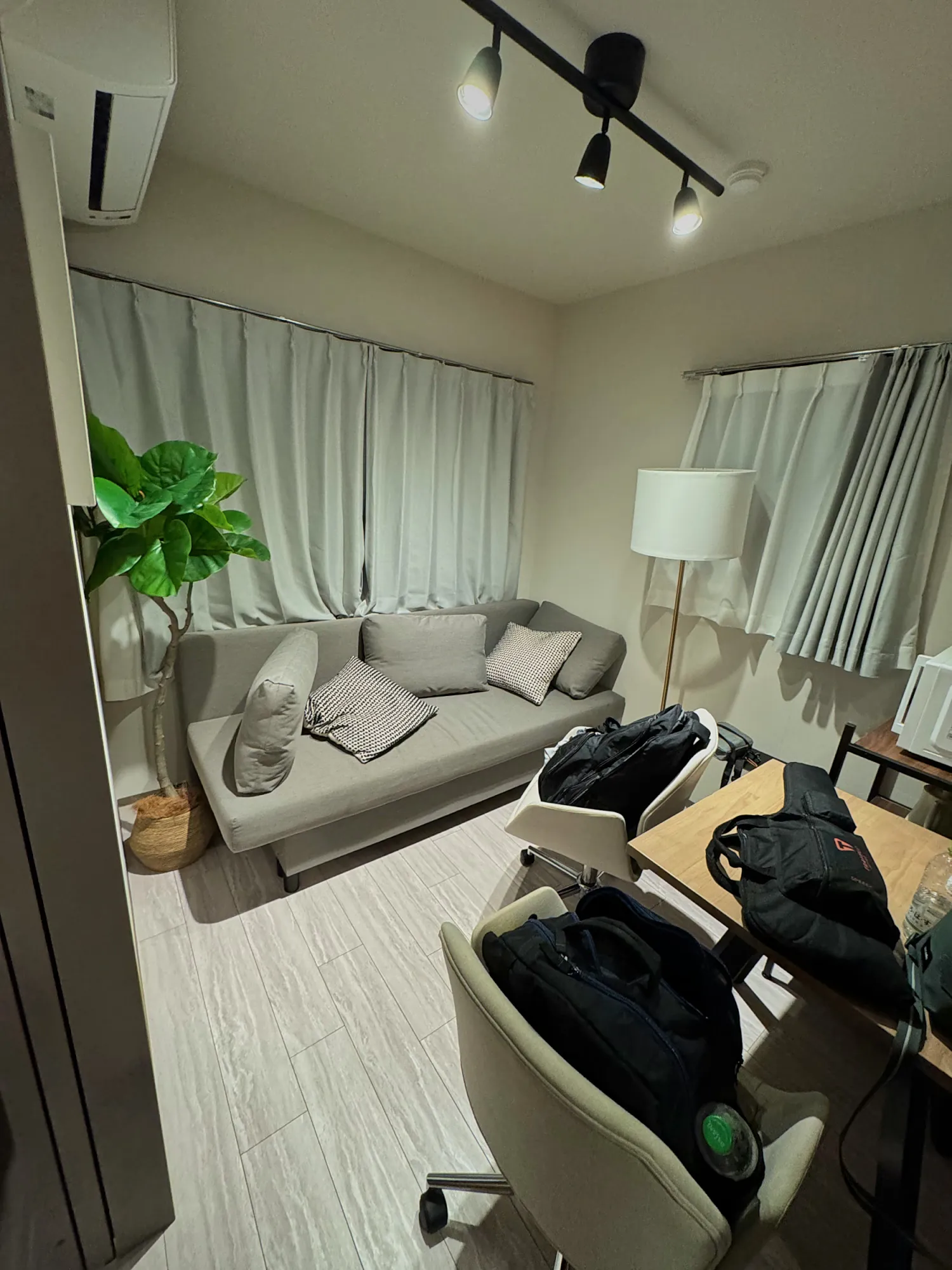
We booked our month in Tokyo on Airbnb, at unito residence Shinjuku Wakamatsu, for about $2,000. It was our most expensive stay, and we knew that going in. It was also worth it. Japanese Airbnbs are the best we've stayed in anywhere: clean, organized, and set up so well that a small apartment felt like plenty.
If you'd rather have a hotel, Shinjuku is a great base: we walked into the center all the time, and the trains go everywhere. You can compare hotels in Tokyo here.
More Apps Worth Having for Tokyo
These are popular with visitors, and some fill a gap the apps above don't. Pick the ones that fit your trip.
- GO: Japan's most popular taxi app. It takes international credit cards and Apple Pay, so you can pay in the app.5 Worth having if you plan to take more than the odd taxi.
- Japan Travel by NAVITIME: a route planner built for visitors. It shows platform numbers and timetables, covers trains, buses, and ferries, and saves recent routes for offline use.7
- Safety tips: a free disaster-alert app overseen by the Japan Tourism Agency. It sends earthquake early warnings and tsunami and heat alerts in English and 14 other languages.6
- Uber Eats: the most English-friendly of the food delivery apps in Tokyo, and it runs on your Uber account. Demae-can is the big local alternative, with a huge restaurant list but less English.9
- Welcome Suica Mobile: JR East's Suica app for overseas visitors, if your cards won't top up Suica in Apple Wallet.
What Tripped Us Up
- Suica top-ups. Adding money from a foreign card doesn't always work. Check yours at home, not at the ticket gate.
- The small print in Apple Maps. The platform and exit are right there in the directions, and they're the two things that save you the most walking. Read them every time.
- Translations only go so far. Even with English on kiosks and labels, I still reached for Google Translate several times a day.
- The airport eSIM. It worked fine, but buying it at Narita meant hunting for data before we could hunt for the train. Set up an eSIM before you fly and skip the counter.
Which Apps Should You Download for Tokyo?
Before you fly, set up your eSIM, Visit Japan Web, and a Suica card in Apple Wallet, and download Google Translate, Google Maps, and Tabelog. On an iPhone, Apple Maps is ready to go. Add Uber or GO for taxis, and Safety tips for earthquake alerts.
Next Steps for Your Tokyo Trip
Bernie & Cream@bernieandcream
Follow along on Instagram
Bernie & Cream@bernieandcream
Follow along on Threads
Bernie & Cream@bernieandcream
Watch us on TikTok
Bernie & Cream@bernieandcream
Follow along on X
Bernie & Cream@BernieAndCream