Every new country comes with a new set of apps. Which ride app do the locals use? Which delivery app actually shows up? Do you need a transit card, a wallet app, a grocery app? You can lose your whole first week figuring it out, and pay more than you should while you do.
Heads up: some links in this guide are affiliate links. If you book or buy through them, we may earn a commission at no extra cost to you.
In this guide 4 sections
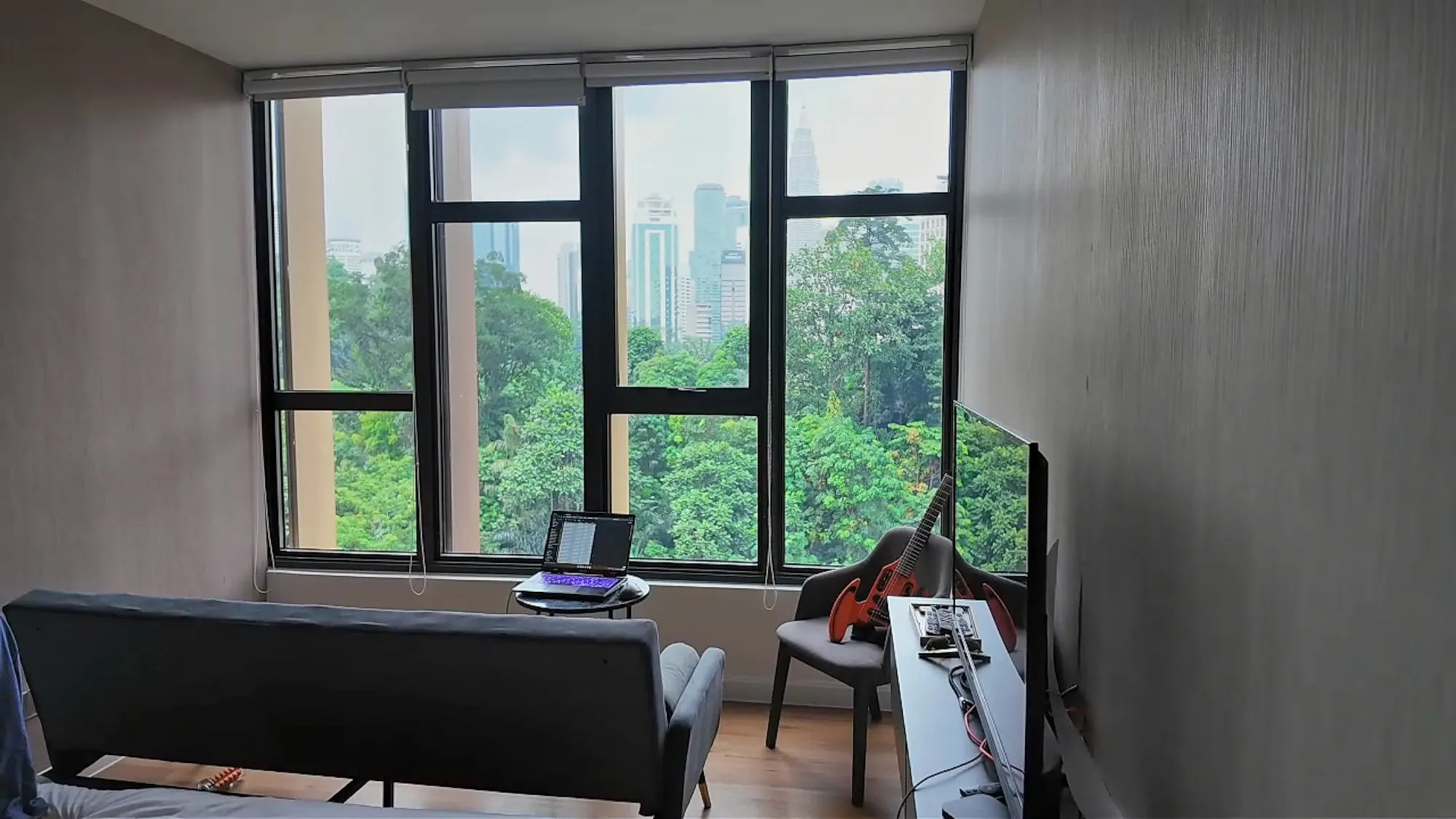
Cream and I lived in Kuala Lumpur (KL) for three months, and the apps on our phones ran almost everything: getting around, eating, paying, even our cinema habit. Some we used every single day. One we found far too late, and it would have saved us money from day one.
So this is the list we'd hand a friend before they fly: the ten apps we actually used in KL, what each one is good for, and what annoyed us.
What Are the Best Apps for Kuala Lumpur? My Quick Answer
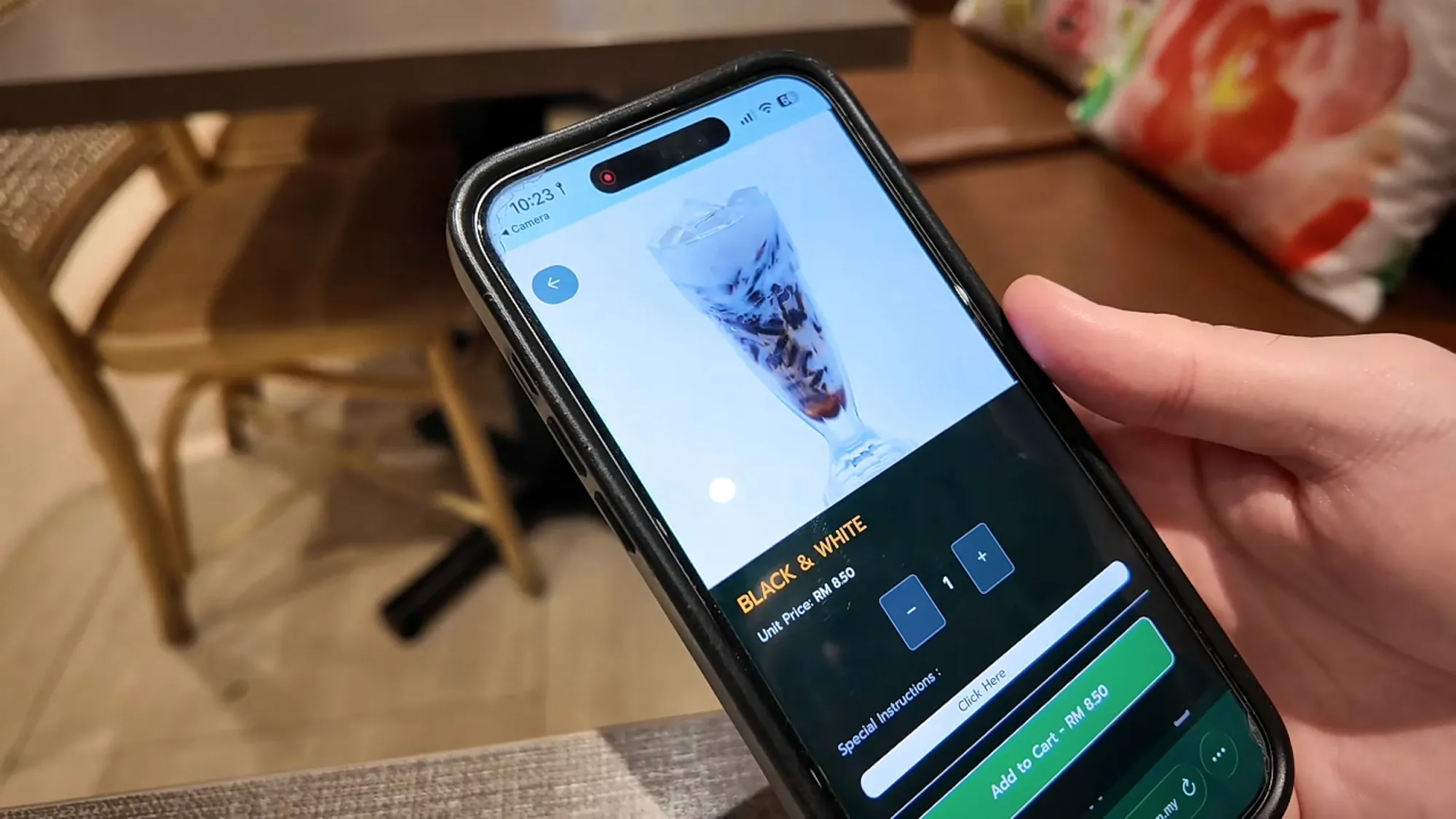
The best apps for Kuala Lumpur are Grab for rides, foodpanda for food delivery, Google Maps for getting around, and an eSIM like Airalo so they all work the second you land. Add MyRapid PULSE if you'll take the trains, and keep Apple Pay ready, because cards are accepted almost everywhere. If you only download three before your flight, make it Airalo, Grab, and foodpanda.
| App | What we used it for | Get it |
|---|---|---|
| Airalo | Data from the moment we landed | Before you fly |
| Grab | Rides almost every day, some food delivery | Before you fly |
| foodpanda | Most of our food and grocery delivery | Before you fly |
| Google Maps | Getting around | You probably have it |
| MyRapid PULSE | Trains | If you'll ride the MRT, LRT, or monorail |
| Tune Talk | Our local plan: top-ups and checking usage | Staying a month or more |
| Calling and messaging family | Before you fly | |
| Apple Pay | Paying at the malls | Already on your iPhone |
| GSC | Booking movies | If you like the cinema |
| Airbnb | Booking our apartment and messaging the host | Long stays |
The 10 Apps We Actually Used in Kuala Lumpur
1. Airalo // Get Online Before You Land
The first app that matters in KL is the one that makes the others work. Every other app on this list needs data, and you'll want it before you've even left the airport, because that's when you book your first Grab (here's how to get from KLIA to Bukit Bintang).
We install an Airalo eSIM before every country we visit, so we're online the moment the plane lands, and Malaysia was no different. There's no SIM counter to find and no queue with your passport out after a long flight.
💡 Get online before you land: Install your Malaysia eSIM at home and switch it on when the plane touches down, so you can book your Grab from the airport straight away. New to Airalo? Get 15% off your first Airalo eSIM. Already have the app? Returning customers get 10% off.

 Bernie & Cream@bernieandcream
Follow along on Instagram
Bernie & Cream@bernieandcream
Follow along on Threads
Bernie & Cream@bernieandcream
Watch us on TikTok
Bernie & Cream@bernieandcream
Follow along on X
Bernie & Cream@BernieAndCream
Bernie & Cream@bernieandcream
Follow along on Instagram
Bernie & Cream@bernieandcream
Follow along on Threads
Bernie & Cream@bernieandcream
Watch us on TikTok
Bernie & Cream@bernieandcream
Follow along on X
Bernie & Cream@BernieAndCream


2. Grab // Rides and Food Delivery
If you download one app for Kuala Lumpur, make it Grab. It's the best ride-hailing app in KL and the one everyone uses, and we used it almost every day for three months. KL's roads are wide and busy and the sidewalks come and go, so even short distances were often easier by car. More in our guide to getting around Kuala Lumpur.
It's also cheap. Our ride out to Village Park in Petaling Jaya, a 20 to 30 minute drive, cost $1.57 there and $2.61 back. Every trip to TRX for a movie was a Grab from our apartment at Ceylonz Suites.
Two things to know. The drivers drive fast, so wear your seatbelt. And traffic can be brutal at rush hour, when the slowest stretch of the whole trip can be the mall car park you started in. You'll also see "no durian" signs in a lot of Grab cars, which is your hint not to bring one home from a durian tasting.
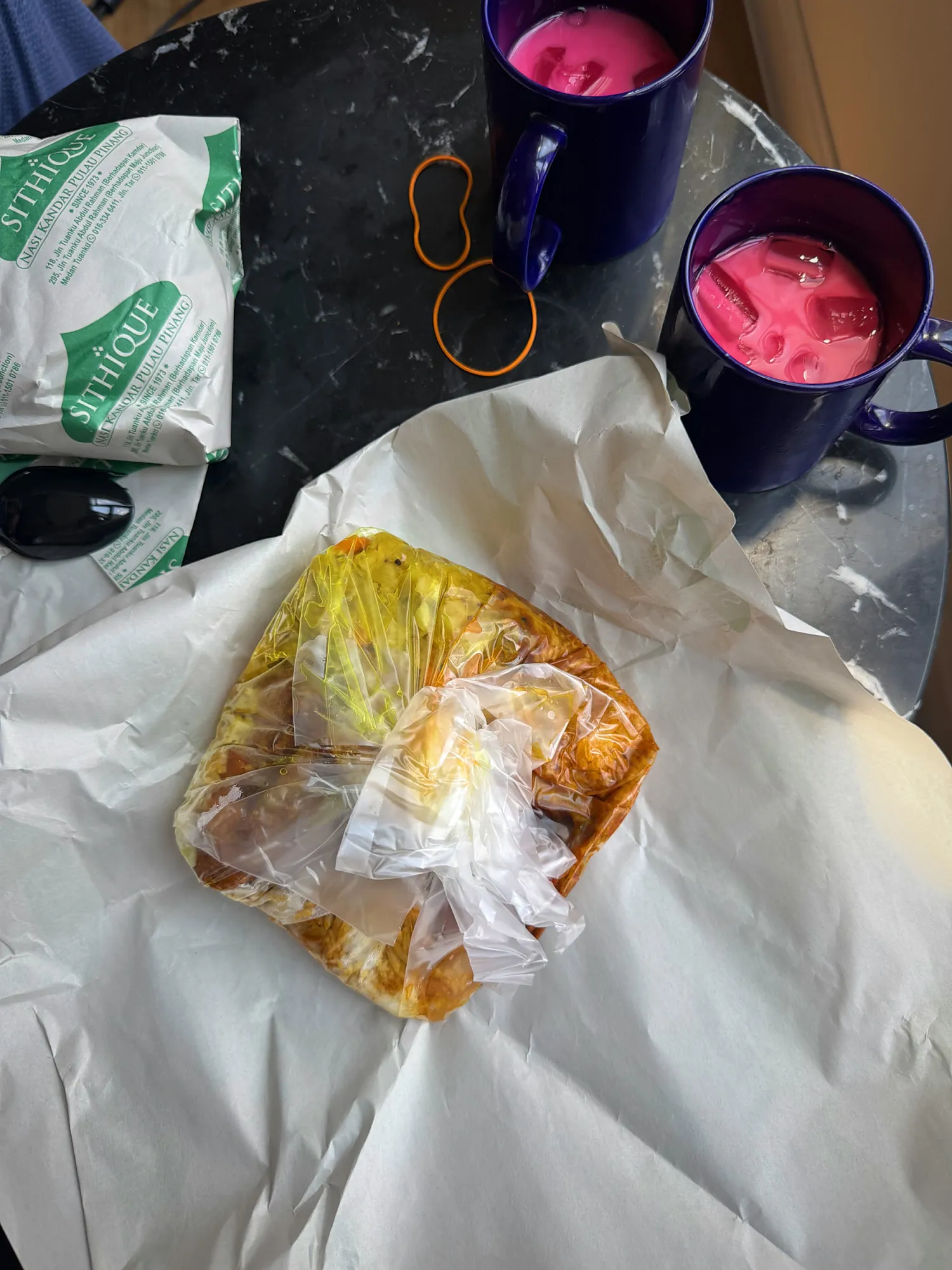
Grab is also a food delivery app. GrabFood lives inside the same app. We had Village Park's nasi lemak delivered a few times, and it was just as good as eating in. Check a restaurant's reviews before you order; that worked for us, and nothing we ordered made us sick.
The catch is the wait. GrabFood was the slower of the two delivery apps for us, sometimes an hour or more. One more tip for anyone in a big condo tower: check whether your building has a delivery drop-off point. Ours didn't, so we had to go down and meet the driver, and the lifts were slow enough that we sometimes left 15 to 20 minutes early.
3. foodpanda // The Delivery App We Wish We'd Downloaded Sooner
This is the one I'd tell you to get on day one. We started out on GrabFood, because we already had Grab. Then I noticed foodpanda in YouTube ads, we tried it, and it was faster and cheaper than GrabFood. In the end we used it more than Grab for food, and for us it was the best food delivery app in KL. I wish we'd downloaded it sooner.
Speed matters here. Delivery in KL is slow in general. Our orders often took an hour, and sometimes two on weekends and holidays like Lunar New Year and Ramadan. foodpanda was a little faster, and when you're hungry, a little faster is a lot.
foodpanda also has a grocery section, called pandamart, which delivers from its own warehouses rather than partner stores.2 Between that and Grab's grocery section, we never needed a separate grocery app.
4. Google Maps // For Getting Around
Google Maps is how we got around KL. It's the map we used for everything, whether we were walking, taking the train, or checking where a Grab was taking us. You almost certainly have it already; just make sure it's working before you land.
5. MyRapid PULSE // For the Trains
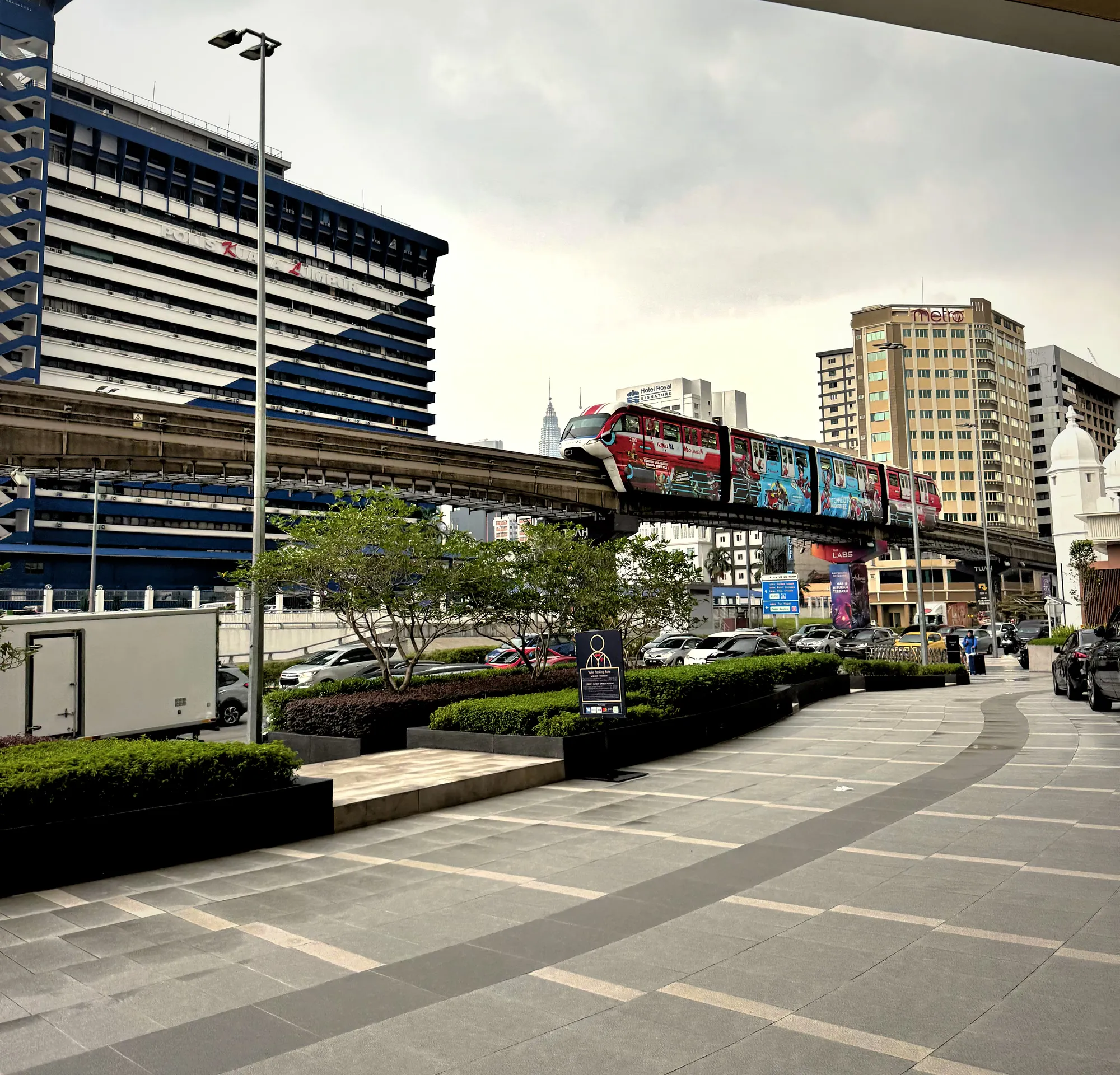
When we took the trains, the MRT, LRT, and monorail, we used MyRapid. The current app from Prasarana, the company that runs KL's Rapid KL trains and buses, is called PULSE. It was relaunched in May 2025 with a trip planner, an interactive rail map, and a live bus tracker.1
One thing the app won't do is get you through the gates. As of May 2026, Rapid KL's fare gates only take a Touch 'n Go card or a single-journey token, not bank cards, Apple Pay, or Google Pay.5 You can pay by card or cash at the station ticket machines to buy a token or top up a Touch 'n Go card. Prasarana has announced that tap-to-pay with bank cards and phones is coming to the trains and buses, but not yet.
We still used Grab far more than the trains, but for some trips across the city the train is the smarter choice, especially when traffic is bad.
6. Tune Talk // Our Local Plan for a Long Stay
Airalo got us through arrival. But for three months, a local plan was cheaper, so once we'd settled in we went to a Tune Talk store in a mall and set up a Tune Talk eSIM on our phones. Bring your passport, because the plan is registered to it.
After that, the Tune Talk app is where you top up, and you can check your data usage there too. We were on an unlimited plan, so we never had to watch it.
If you're only in KL for a week or two, stick with your travel eSIM. If you're staying a month or more, a Tune Talk plan is worth the trip to the store.
7. WhatsApp // For Staying in Touch
WhatsApp is how we kept in touch with family back home, and it's the messaging app most people in Malaysia use too. Set it up before you leave, so calls and messages just work over your eSIM.
8. Apple Pay // Tap Your Phone
We paid with Apple Pay at the malls, and cards are really accepted in KL. Apple Pay works at any terminal that takes contactless cards, and Visa and Mastercard are widely accepted in malls, restaurants, and supermarkets.4
The only place we needed cash was Jalan Alor, KL's famous night food street in Bukit Bintang. So keep a little cash for street stalls, and check that your card works with Apple Pay abroad before you go. Our guide to cash or card in Kuala Lumpur has the rest, including tipping.
9. GSC // For Movie Nights
Going to the movies became one of our favorite things to do in KL, mostly at the Aurum Theatre at The Exchange TRX, which is run by GSC (Golden Screen Cinemas). We booked through the GSC app, and we went so often that our points on GSC Rewards earned us free tickets to the GethaLux Suite, its most luxurious hall.3
The app itself kind of sucks, honestly. But if you're going to the cinema more than once, it's worth it for the points. Our guide to every hall at Aurum Theatre TRX explains which one to book, and our ranking of the best cinemas in Kuala Lumpur covers the others.

10. Airbnb // For Booking and Talking to Your Host
We booked our apartment at Ceylonz Suites in Bukit Bintang directly on Airbnb, from a private host, for the full three months, and got a monthly discount for staying that long. Here's how we found and booked our monthly Airbnb in Kuala Lumpur. If you book on Airbnb, you'll want the app on your phone, not just the website: it's how we messaged our Ceylonz owner the whole time we were there.
What Annoyed Us
- Delivery is slow. An hour was normal, and two hours wasn't rare on weekends and holidays. Order before you're starving.
- Rush hour traffic. Grab is cheap, but it can't skip traffic. Leave extra time, or take the train.
- The GSC app. It does the job, but it's clunky.
- We found foodpanda late. That one's on us, and it's why it's near the top of this list.
Which Apps Should You Download for Kuala Lumpur?
Before you fly, install Airalo, Grab, foodpanda, and WhatsApp, and make sure Google Maps, and Apple Pay are set up. If you booked on Airbnb, have that app ready for your host. Add MyRapid PULSE if you'll ride the trains and GSC if you'll catch a movie. If you're staying a month or longer, plan on a Tune Talk plan once you've settled in. And if you're still deciding whether a long stay in KL is for you, here's our honest take on KL for digital nomads.
Next Steps for Your Kuala Lumpur Trip
Bernie & Cream@bernieandcream
Follow along on Instagram
Bernie & Cream@bernieandcream
Follow along on Threads
Bernie & Cream@bernieandcream
Watch us on TikTok
Bernie & Cream@bernieandcream
Follow along on X
Bernie & Cream@BernieAndCream